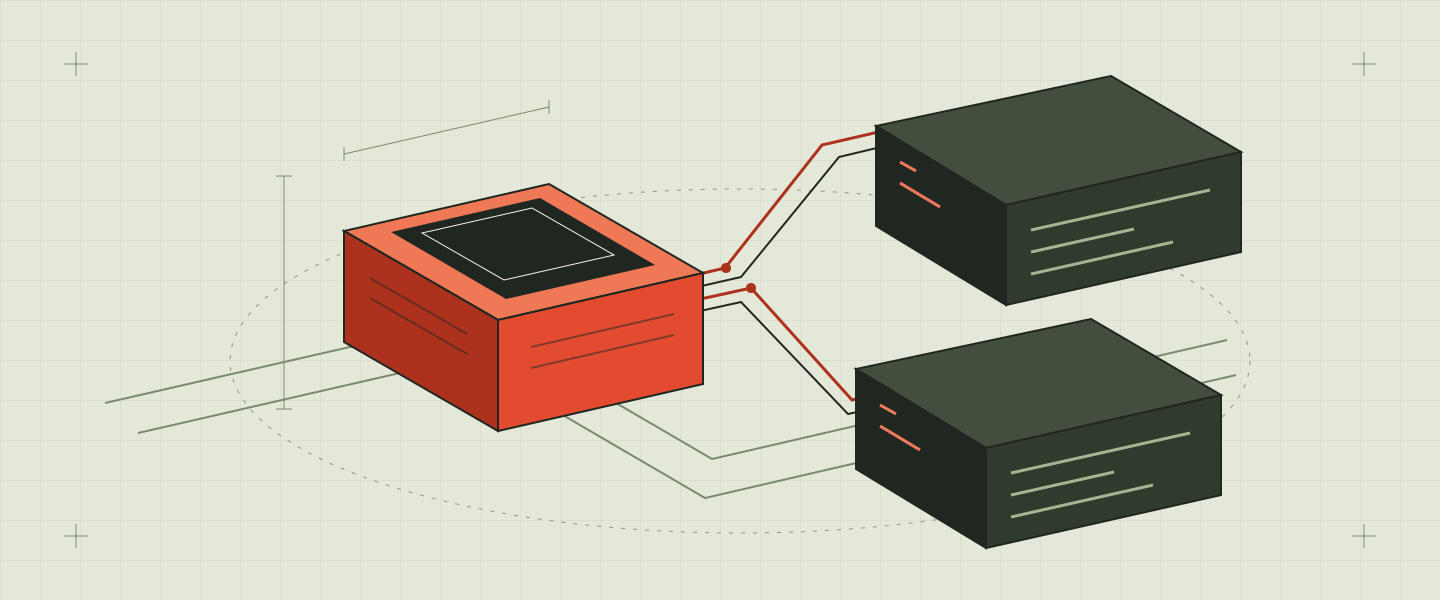
Your VS Code extension talks to a language server over the Language Server Protocol (LSP). AI coding agents such as Claude Code, Cursor and Codex talk to tools over the Model Context Protocol (MCP). If you build developer tools, you now need both, and they should give the same answers.
What is an MCP server?
An MCP server exposes tools and data to an AI agent over a small JSON-RPC protocol. Where a language server answers "what's the type at this cursor?" for an editor, an MCP server answers "find every caller of this function" for an agent. Both need the same thing underneath: a live, accurate model of the code.
The trap: two pipelines
The obvious build is a language server with its own caches, then an MCP server bolted on with another set. Now two pipelines parse the same files, watch the same folders and drift apart. The agent sees stale results the editor has already fixed.
One engine, two surfaces
lspkit puts analysis behind one Rust trait, EngineApi. The lspkit-server crate serves it over LSP to VS Code; its mcp feature serves the same engine over MCP to Claude Code, Cursor or Codex.
cargo add lspkit lspkit-server --features lspkit-server/mcpEvery report carries a generation number, so the editor and the agent can both tell which state of the workspace produced an answer. Cancellation and progress live at the same boundary, so a slow query from the agent never blocks the editor.
Find the memory leak before your users do
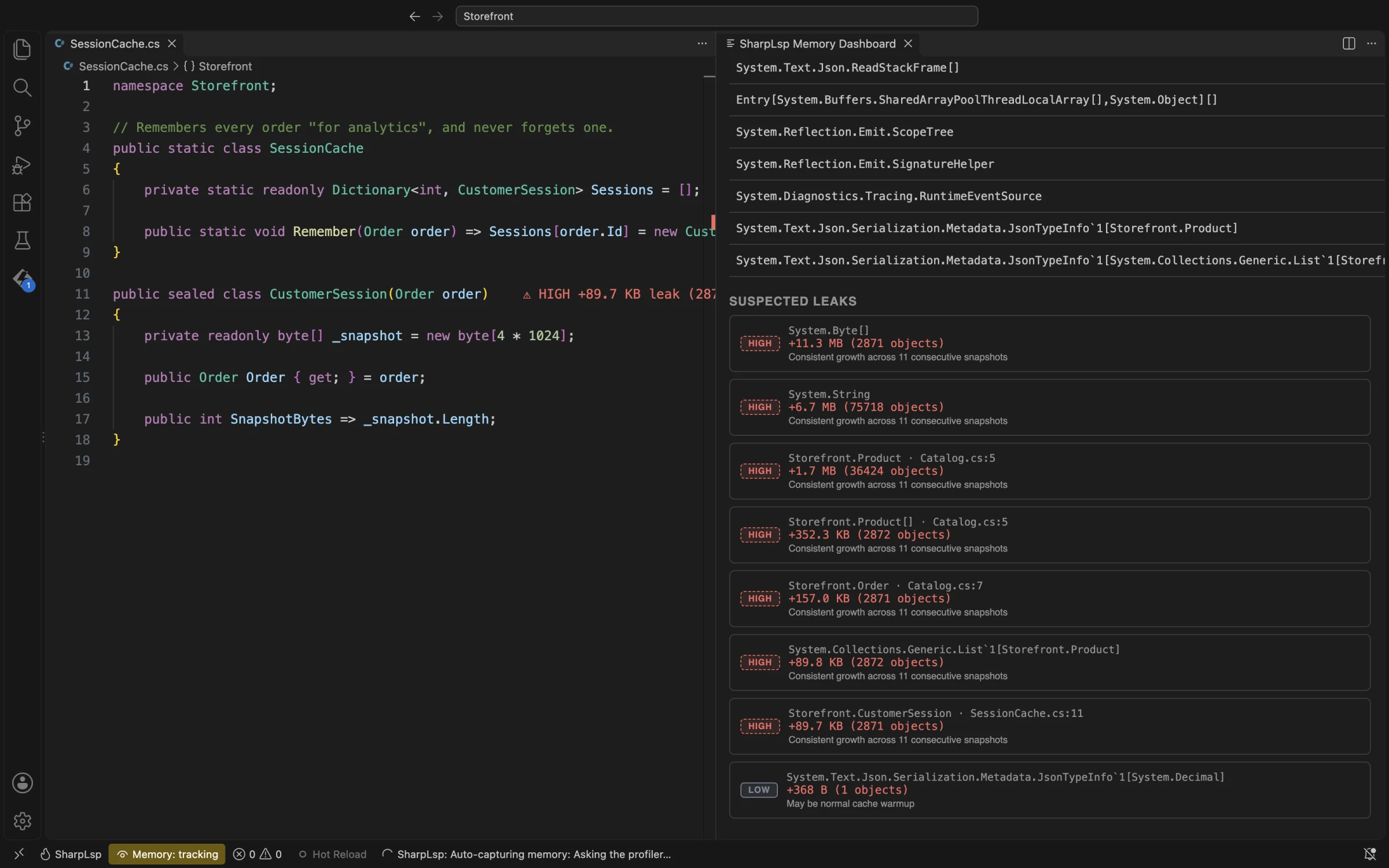
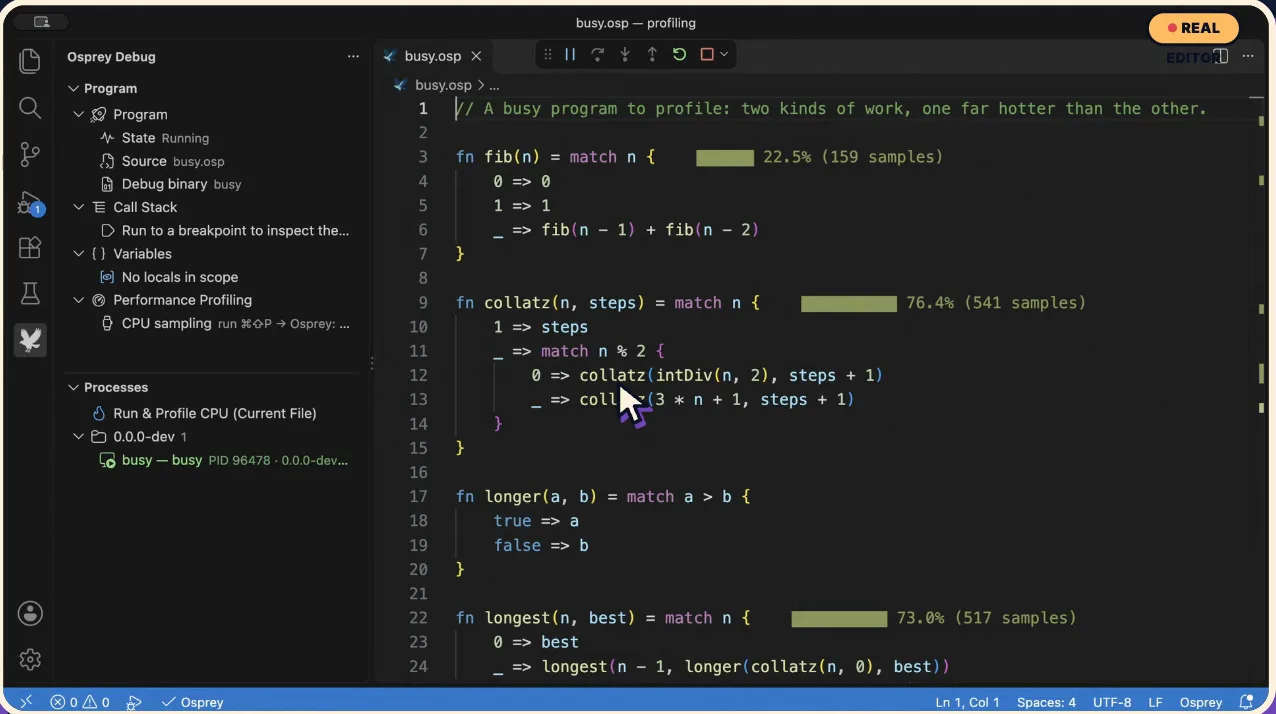
Long-running language servers leak. lspkit ships lsp-profiler, a CPU and memory profiler that runs inside VS Code: hot lines painted in your source, a flame graph beside it, and a live heap timeline that ranks memory leak suspects. SharpLsp uses it for C# and F#; Osprey uses it for a native functional language. Watch both on the examples page.
Start building
- Getting started: add the crates and implement
EngineApi. - Crates: what each crate and feature gives you.
- Source on GitHub ↗