Documentation
Getting started.
Add lspkit to a language server and implement the engine.
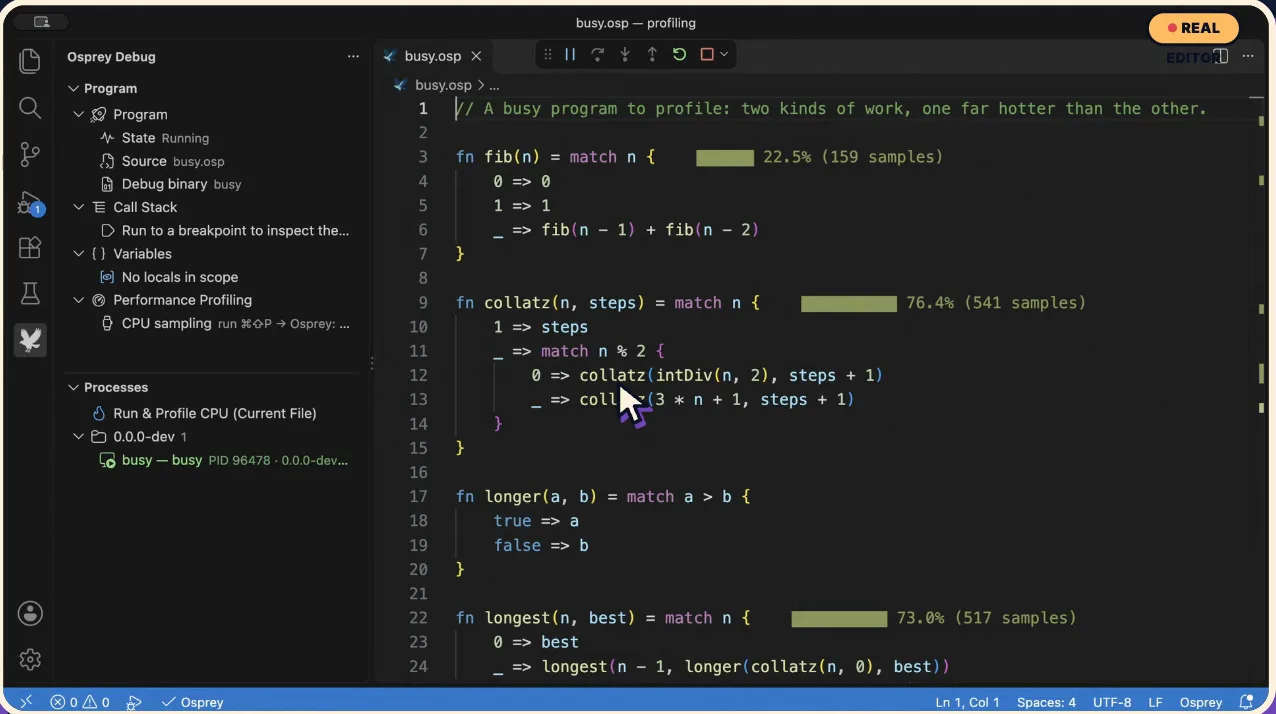
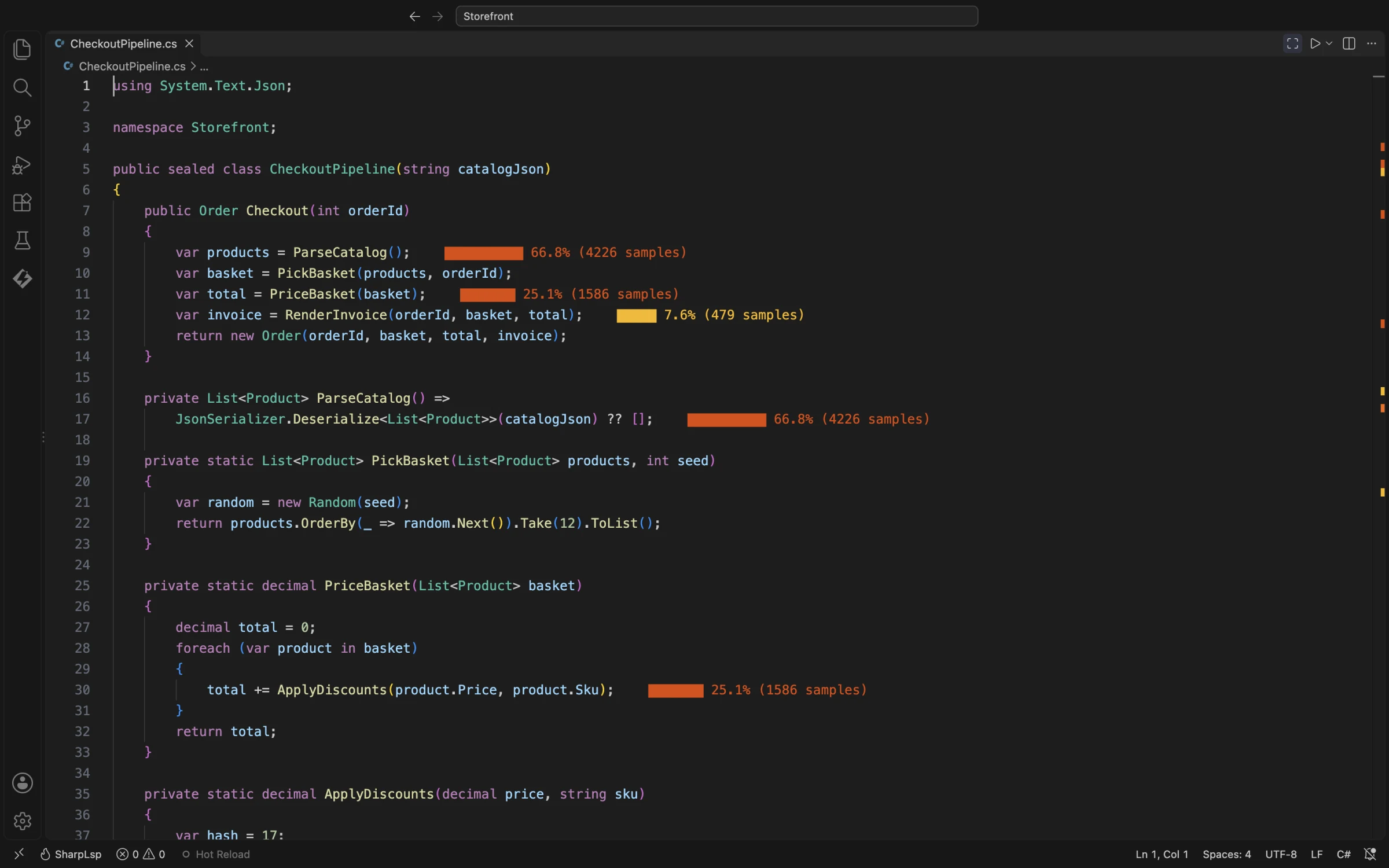
This is what you are building toward: your language server, profiled inside VS Code.
Add the crates
cargo add lspkit lspkit-serverTurn on the features you need:
cargo add lspkit --features treesitter
cargo add lspkit-server --features mcp
Implement the engine
Your analysis implements EngineApi. It defines its own report, query and error types, and four operations:
#[async_trait]
pub trait EngineApi: Send + Sync + 'static {
    type Report: Send + Sync + 'static;
    type Query: Send + Sync;
    type Error: StdError + Send + Sync + 'static;

    fn generation(&self) -> Generation;
    async fn report(&self, query: Self::Query, cancel: CancellationToken)
        -> Result<Snapshot<Self::Report>, Self::Error>;
    async fn rescan(&self, scope: RescanScope, progress: Progress)
        -> Result<RescanTicket, Self::Error>;
    fn subscribe(&self) -> GenerationEventStream;
    async fn shutdown(&self) -> Result<(), Self::Error>;
}generationincreases on every successful rescan.reportanswers a query from a snapshot and stops promptly when cancelled.rescanrefreshes the analysis and may coalesce concurrent requests.subscribestreams generation changes to listeners.shutdowndrains in-flight work; every later call returns an error.
Serve it
Hand one engine instance to the lspkit-server scaffolding for the editor and, with the mcp feature, to the MCP adapter for agents. Both read the same snapshots.
Learn more
The full behavioural contract is in the spec, and the API reference is on docs.rs.